When you click on a friend's referral link and successfully create your account on our website for the first time, you should receive a $5 coupon.
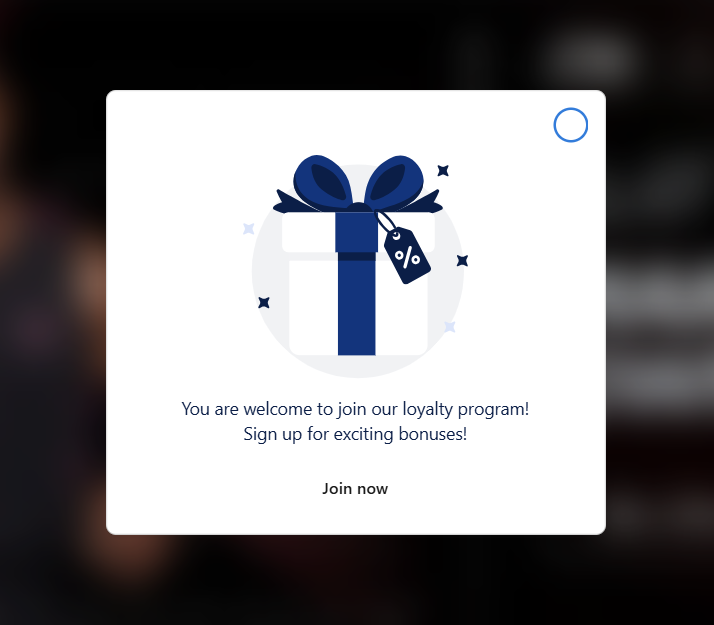
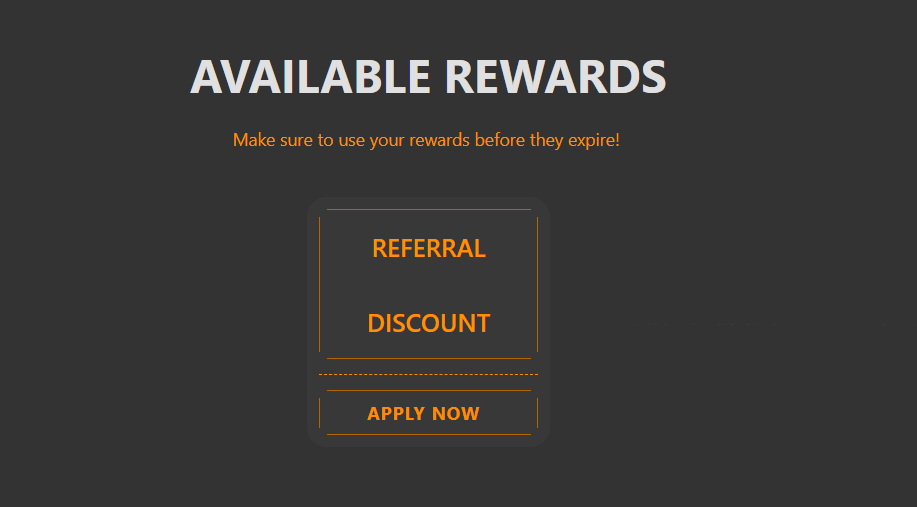
To view your coupon:
Method 1
- Click the account icon in the upper-right corner.
- Select "View My Loyalty Account."
- Scroll down to the History section.
- Your coupon code should be listed there.
Method 2
- Visit reward and scroll down to the History section.
- Your coupon code should be listed there.
Method 3
After successfully registering your account, you should also receive an email containing the $5 coupon.
Please check your inbox, as well as your spam or junk folder.
If you are still unable to find the coupon, please contact us by email, and we will be happy to investigate the issue for you.
Was this article helpful?
That’s Great!
Thank you for your feedback
Sorry! We couldn't be helpful
Thank you for your feedback
Feedback sent
We appreciate your effort and will try to fix the article