The currency displayed on our website is determined by your IP address at the time of registration.
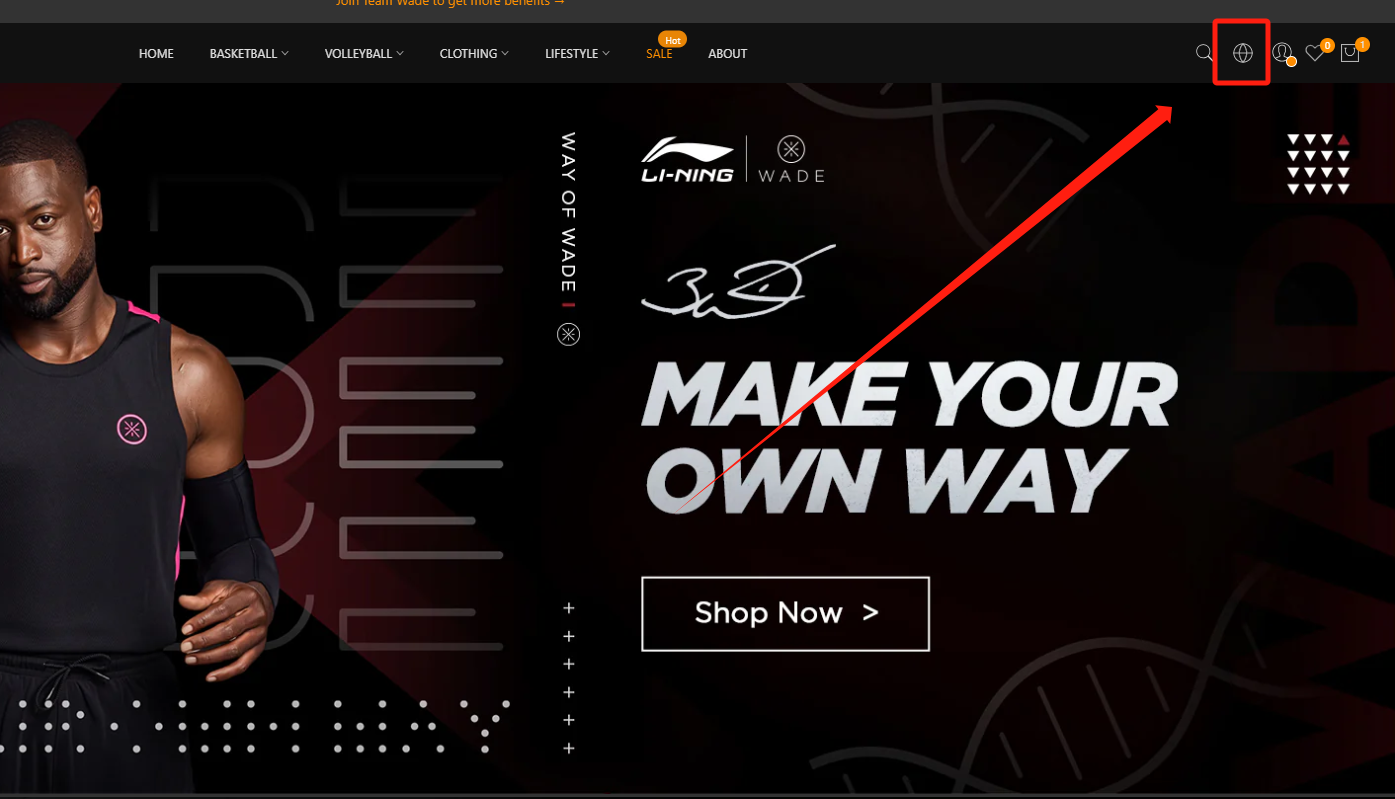
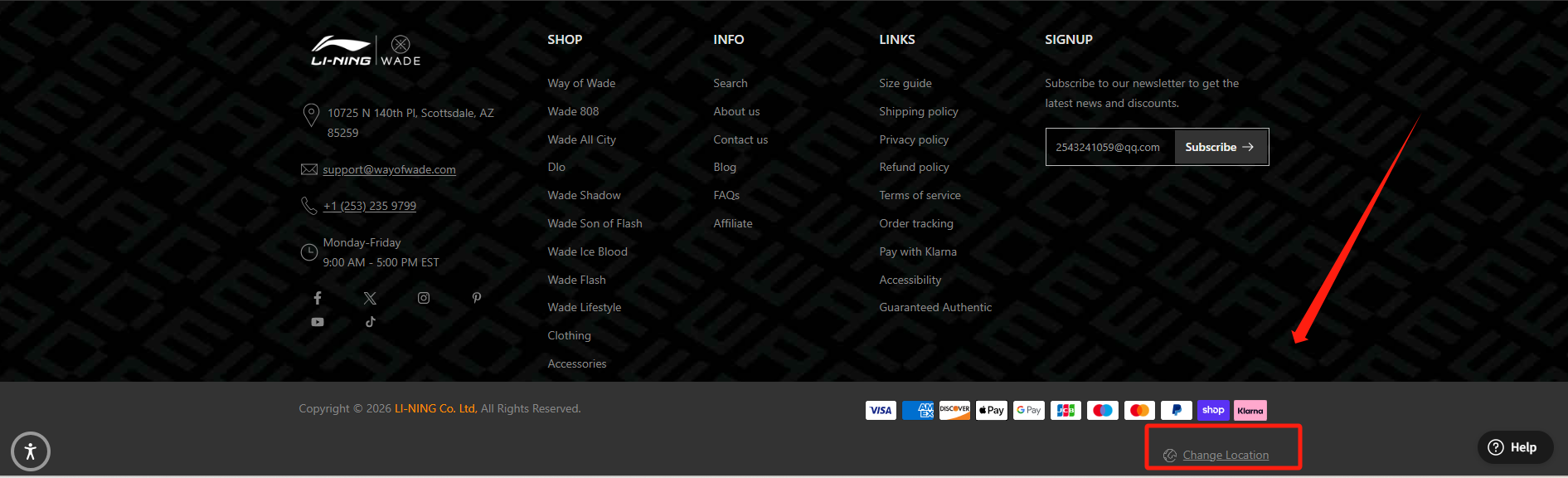
You can click the globe icon in the top-right corner of our website, or scroll down to the bottom of the page and click “Change Location”, to select the country and currency you would like to view.
The currency will automatically update if you change your shipping address during checkout.
In addition, you may update your address in your account settings and then refresh the page or log in again to see the updated currency display.
Was this article helpful?
That’s Great!
Thank you for your feedback
Sorry! We couldn't be helpful
Thank you for your feedback
Feedback sent
We appreciate your effort and will try to fix the article